
Skip to the main content.

3 min read

How to Spot and Protect Your Business from Malware

How to Spot and Protect Your Business from Malware
6:40

Most business owners think of malware as a nuisance — a slow computer, some pop-ups, something IT handles. The reality in 2026 is different. Malware is the delivery mechanism for ransomware that shuts down production lines, credential theft that drains bank accounts, and data exfiltration that triggers regulatory breach notifications. Manufacturing is currently the most targeted sector, and attacks on businesses with 25-250 employees are increasingly common because attackers know smaller organizations are less defended.

Here's what business owners and operations managers actually need to know.


How malware gets into a business

The entry points have shifted. The most common vectors in 2026 are no longer just phishing emails, though those remain a problem.

Software vulnerabilities are now the leading cause of breaches, according to Verizon's 2026 Data Breach Investigations Report — overtaking stolen credentials for the first time. Unpatched operating systems, applications, and network devices are open doors. If your team is still running Windows 10 (end-of-life October 2025), outdated server software, or network gear that hasn't been updated in years, you're exposed.

Phishing and business email compromise remain effective because attackers have gotten better at it. A convincing email to an accounts payable employee, a purchasing manager, or someone with ERP access is often all it takes.

Compromised software and vendor access — attackers increasingly target software supply chains and third-party vendors as a way in. If a vendor has remote access to your systems and their credentials are compromised, your network is compromised.

Drive-by downloads — visiting a legitimate but compromised website, or clicking a malicious ad, can silently install malware without any obvious action on the user's part.

Warning signs in a business environment

Malware is designed to hide. By the time it's obvious, the damage is often already done. Warning signs worth taking seriously:

  • Unusual slowdowns on specific systems — particularly servers, ERP workstations, or machines connected to production systems. Malware running in the background consumes resources.
  • Unexpected account lockouts — repeated failed login attempts can indicate credential stuffing or a brute-force attack in progress.
  • Unusual network traffic — high outbound data volumes, especially to unfamiliar destinations or outside business hours, can indicate data exfiltration.
  • Changed file extensions or inaccessible files — this is ransomware. If files suddenly have strange extensions or won't open, isolate the affected machines immediately and call your IT provider before doing anything else.
  • Disabled security tools — some malware specifically targets antivirus or endpoint protection to disable it before doing damage. If security software appears to have stopped running, investigate why.
  • Unexpected software or processes — unfamiliar programs, browser extensions, or background processes that nobody installed are a red flag.

What to do if you suspect malware

If something looks wrong, the sequence matters:

  1. Isolate the affected device immediately — disconnect it from the network (unplug the ethernet cable or disable WiFi) to prevent lateral spread. Don't turn it off — forensic data can be lost on shutdown, and some ransomware is triggered by shutdown.
  2. Call your IT provider — not Google, not YouTube. An incident response is time-sensitive and the decisions made in the first hour matter.
  3. Don't pay the ransom without counsel — paying doesn't guarantee recovery, and depending on who attacked you, paying may have legal implications under OFAC sanctions rules.
  4. Preserve evidence — document what you're seeing, what systems are affected, and when you noticed it.
  5. Notify stakeholders — if customer data may be involved, you likely have breach notification obligations. For healthcare organizations, HIPAA breach notification timelines start from the date of discovery, not the date of containment.

Prevention: what actually works at the business level

Basic advice — "use strong passwords," "don't click suspicious links" — is necessary but not sufficient. Modern malware gets through even when employees do everything right. Business-level protection requires layered defenses:

Patch management — keeping operating systems, applications, and firmware consistently updated is the single highest-impact thing you can do, given that software vulnerabilities are now the #1 breach vector. This needs to be systematic, not manual.

Endpoint detection and response (EDR) — antivirus alone doesn't catch modern threats. EDR tools monitor behavior rather than just known signatures, flagging suspicious activity even from malware that's never been seen before.

Application allowlisting — only approved applications can run. This stops ransomware and most malware cold, even if it gets onto a machine, because it can't execute. It's one of the most effective controls available for businesses that can implement it.

MFA everywhere — multi-factor authentication on email, VPN, cloud applications, and remote access eliminates a significant percentage of attacks that rely on stolen credentials.

DNS filtering — blocking known malicious domains before a connection is made stops drive-by downloads and command-and-control traffic from malware that's already inside the network.

Network segmentation — if malware gets into one part of your network, segmentation limits how far it can spread. This is especially important in manufacturing environments where IT and OT systems share infrastructure.

Employee training — not annual checkbox training, but realistic phishing simulations and ongoing awareness. The goal is a workforce that pauses before clicking, not one that's been told the rules once a year.

No single control eliminates malware risk. The goal is making your environment hard enough to attack that attackers move on to easier targets — and ensuring that if something does get through, you catch it fast and can recover without paying a ransom or losing months of data.

TotalCare IT provides managed cybersecurity services for businesses in Boise, Idaho Falls, and throughout the Treasure Valley and East Idaho, including endpoint protection, patch management, and incident response. If you're not sure where your current defenses stand, start with a conversation.

Understanding the FTC Safeguards Rule: What Your Business Needs to Know

1 min read

Understanding the FTC Safeguards Rule: What Your Business Needs to Know

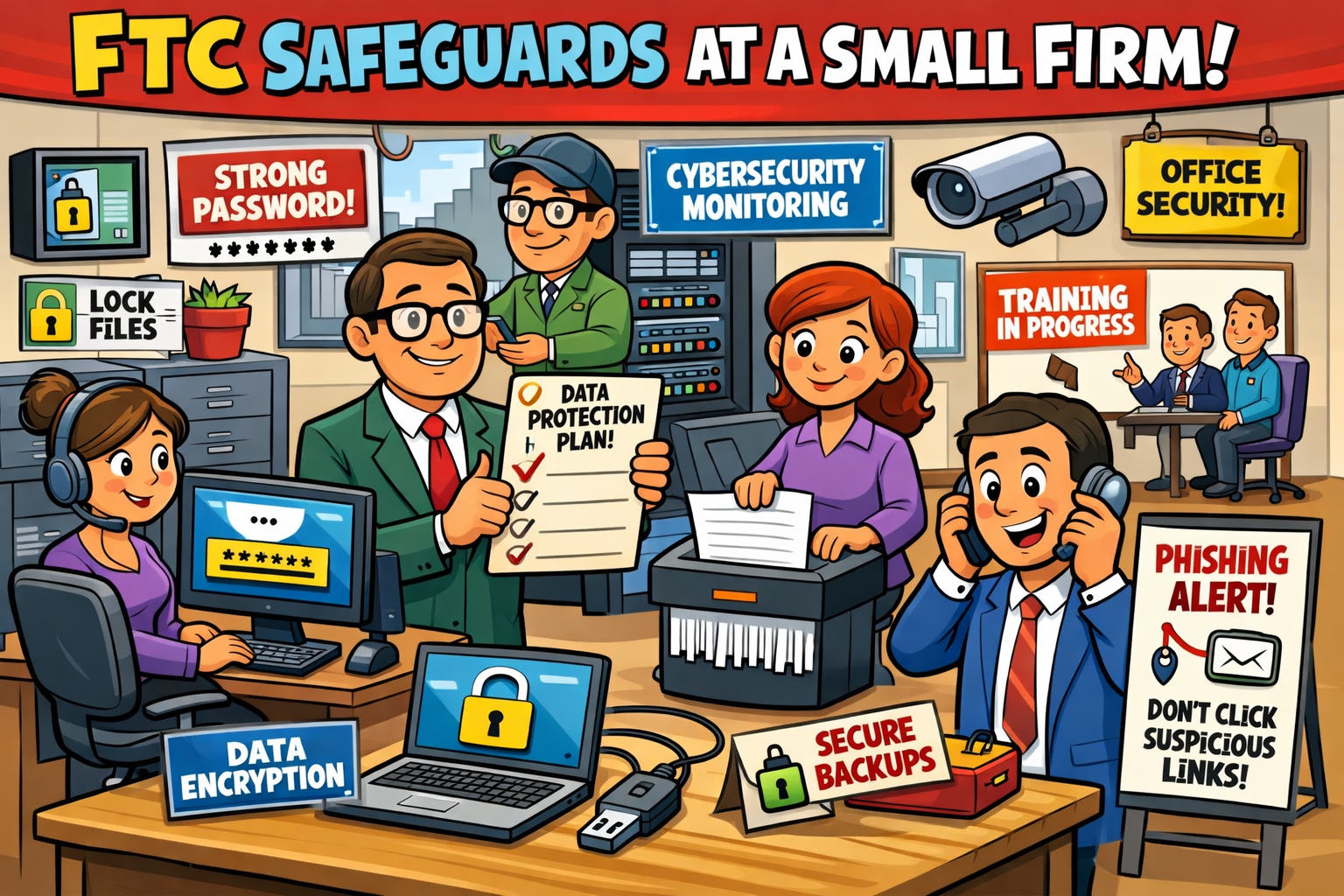
Cyber threats aren’t slowing down—and neither are federal regulators. The FTC Safeguards Rule continues to be a major compliance requirement for...
Read More
You might hold the secret to data security in your finger

1 min read

You might hold the secret to data security in your finger

We all know how important it is to keep our data safe, whether it's our business secrets or just personal info. Passwords used to be the number one...

Read More
How to Use ChatGPT and AI Safely in Your Business (Without Losing Control)

1 min read

How to Use ChatGPT and AI Safely in Your Business (Without Losing Control)

AI tools like ChatGPT and DALL-E are changing the way businesses work — helping teams automate tasks, summarize reports, and even generate marketing...

Read More