

1 min read
7 Unexpected Ways Hackers Can Access Your Accounts
The digital era has revolutionized our lives, providing unmatched convenience and connectivity. Yet, this technological progress has also created...

3 min read
Totalcare IT
:
July 10, 2026
The Access You Forgot to Remove Is the Access That Gets You Breached
When an employee leaves, the exit checklist usually covers the obvious: collect the badge, forward the email, reassign the work. What gets missed — consistently, at businesses of every size — is the access. The VPN credentials that still work. The ERP login that was never deactivated. The contractor's remote access that was set up for a project two years ago and never turned off.
These aren't edge cases. They're one of the most common ways breaches happen, and one of the easiest to prevent.
There are two versions of this problem, and they're both serious.
The first is genuinely forgotten access: a departed employee's account that nobody thought to disable, sitting dormant until a cybercriminal finds it through a credential stuffing attack or a phishing campaign that compromises the former employee's personal email (which reused their work password).
The second is worse: intentional misuse by a former employee who still has access and knows they do. Disgruntled departures — especially terminations — carry real insider threat risk. A former employee with active ERP credentials, file server access, or admin rights to your systems can cause significant damage. The fact that their physical access was revoked doesn't help if their digital access wasn't.
Both scenarios are preventable with the same practice: immediate, complete access revocation on departure.
Generic offboarding checklists cover email and maybe a few obvious apps. For manufacturing and operations businesses, the list is longer and the stakes are higher:
ERP system access. Epicor, SYSPRO, JobBOSS, and similar platforms often have their own user management separate from your main directory. A terminated employee's ERP login may still be active even after their Windows account is disabled — especially if the two systems aren't connected.
Contractor and vendor remote access. IT support vendors, equipment service technicians, automation contractors — anyone who was given remote access to your systems for a project. These accounts are frequently set up with urgency and rarely audited. A contractor who finished a job 18 months ago may still have active VPN credentials.
Shared accounts and shop floor logins. Production environments often use shared credentials for machines or shared workstations. When a shift lead leaves, nobody changes the shared password because nobody owns it. These accounts persist indefinitely and are impossible to audit meaningfully.
Service accounts and application credentials. Accounts used by software to communicate with other software — these often carry elevated privileges and are frequently set up under an IT person's name or email. When that person leaves, the account stays active because disabling it would break something.
Admin accounts for departed IT staff. The highest-risk category. A former IT administrator or managed service provider with domain admin rights represents a significant exposure if access isn't revoked cleanly and completely.
Effective offboarding for access isn't a checklist you run through manually for each departure — it's a documented process triggered automatically when someone's employment ends, ideally before their last day.
The foundation is a centralized identity management system (Microsoft Entra ID / Active Directory for most businesses) where disabling one account propagates access removal across connected systems. This is the difference between a 30-minute offboarding process and a 3-hour one that still misses things.
Beyond the central account, the process should explicitly cover:
Document what was done and when. For terminations especially, the timestamp matters.
The reason offboarding is complicated at most businesses is that access was granted too broadly to begin with. When employees accumulate access over time — a new system here, a folder permission there — the offboarding process requires tracking down everything they touched.
Role-based access control (least privilege) means employees get access to what their role requires, no more. When they leave, revoking their role revokes their access. It's also better security while they're employed — breach of one account doesn't mean access to everything.
For Idaho manufacturers pursuing or maintaining CMMC certification, access control isn't optional — it's a documented requirement. User account management, including timely revocation on departure and regular access reviews, is part of the CMMC practices your assessor will look for evidence of.
Cyber insurance underwriters have also raised their expectations. Applications now routinely ask about offboarding procedures, access review frequency, and whether you have centralized identity management. A documented, consistent process is the right answer.
If your offboarding process has been inconsistent, there's likely active exposure in your environment right now. A user access audit — pulling all active accounts and comparing them against current employees — is the starting point.
This is something TotalCare can run for businesses in Treasure Valley and East Idaho. If you want to know what's actually active in your environment, get in touch or learn more about our managed cybersecurity services.
1 min read
The digital era has revolutionized our lives, providing unmatched convenience and connectivity. Yet, this technological progress has also created...
1 min read
When the U.S. government launched Operation Warp Speed — the effort to develop and distribute COVID-19 vaccines at unprecedented speed —...
1 min read
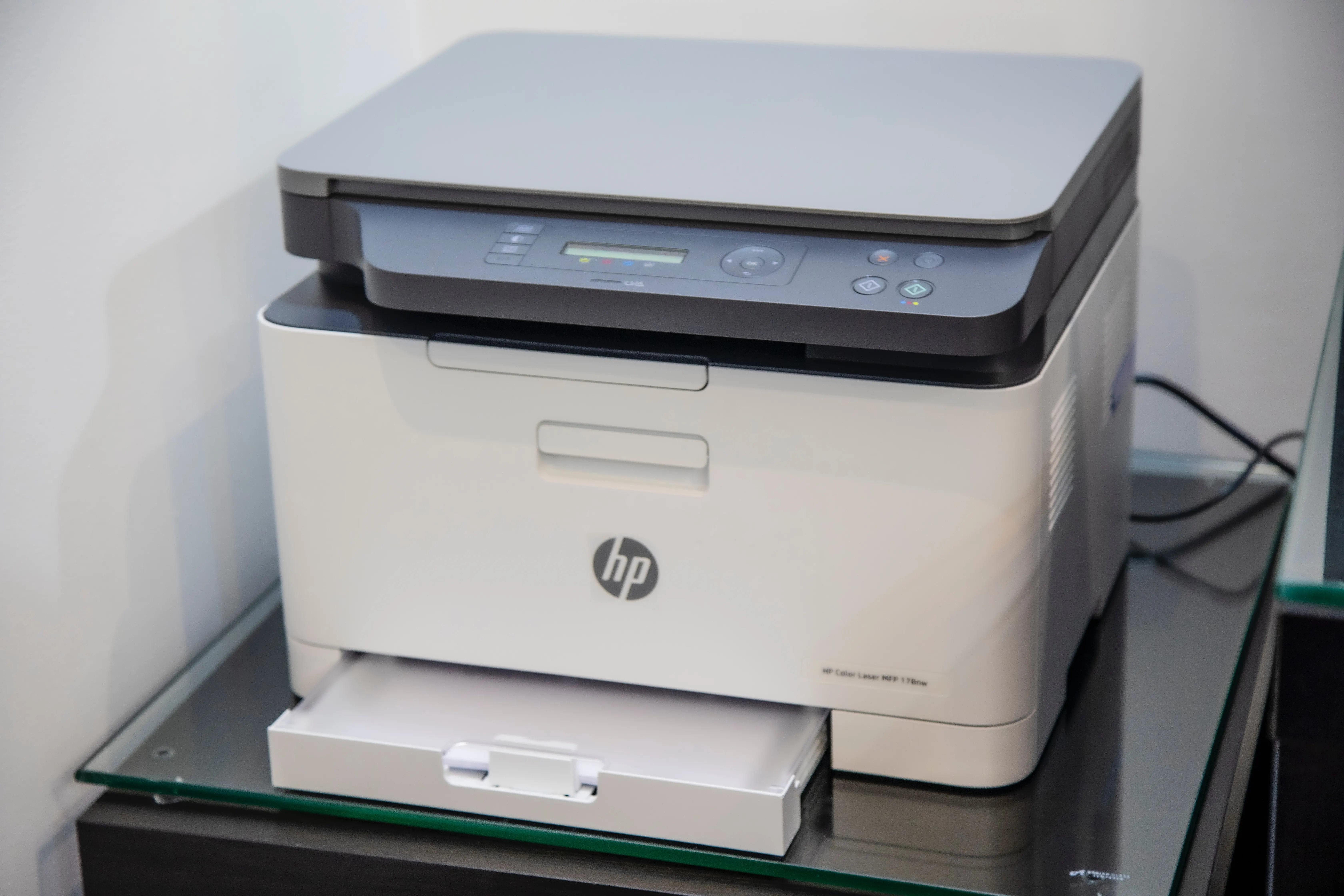
Your printer is a networked computer. It has an operating system, an IP address, storage that retains copies of documents you've printed, and in most...